01
Open Cellular settings
Go to Settings, select Cellular or Mobile Service, then tap Add eSIM.
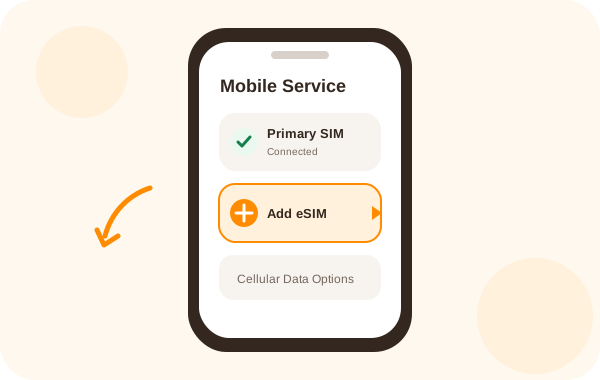
Follow the steps for your device, scan the QR code from your eSIMChain order and connect when you arrive at your destination.
Menu names may vary slightly depending on your iOS version.
Go to Settings, select Cellular or Mobile Service, then tap Add eSIM.
Select Use QR Code and scan the QR code shown on your eSIMChain delivery page. If both are on the same phone, open the QR code on another screen.
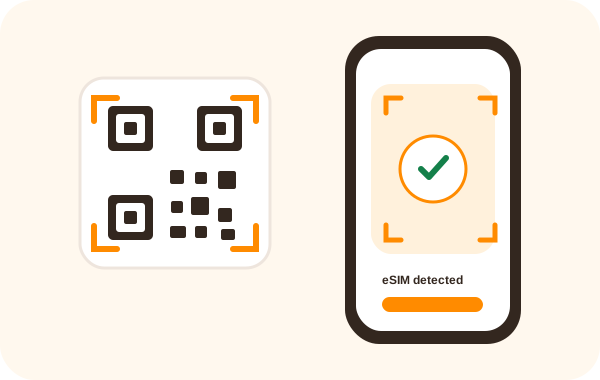
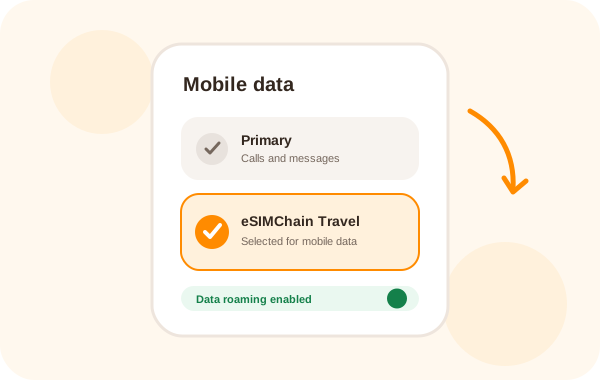
Name the new line Travel or eSIMChain. Keep your primary line for calls and select the new eSIM for mobile data when you reach your destination.
The exact wording differs across Samsung, Google Pixel, Xiaomi and other manufacturers.
Go to Settings, then open Connections, Network & Internet or SIM Manager. Choose Add eSIM or Add mobile plan.
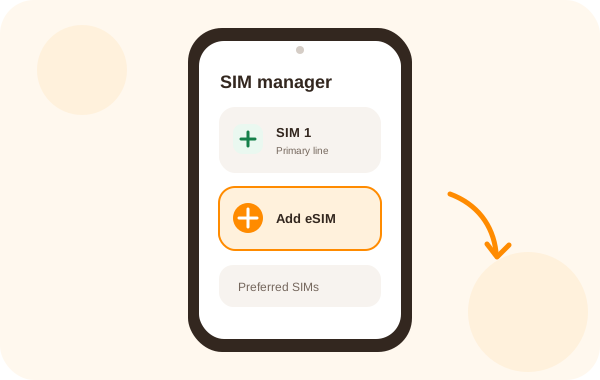
Choose the QR code option and scan the code from your delivery page. You can also enter the activation code manually when your device offers that option.
Turn on the new plan, set it as your preferred mobile data SIM and enable data roaming for that eSIM after arriving at your destination.
Installing the profile before departure makes activation much easier. Complete these checks while you still have reliable internet access.